
PocketHook chat with your server
Your server, your chat, your Shortcuts. Connect iOS to your own infrastructure with full privacy.
Key Features#
Your Server, Your Rules
Connect to your own server — n8n, a custom API, or any HTTPS endpoint you control. Your data never leaves your infrastructure. No third-party cloud required.
Smart Chat Interface
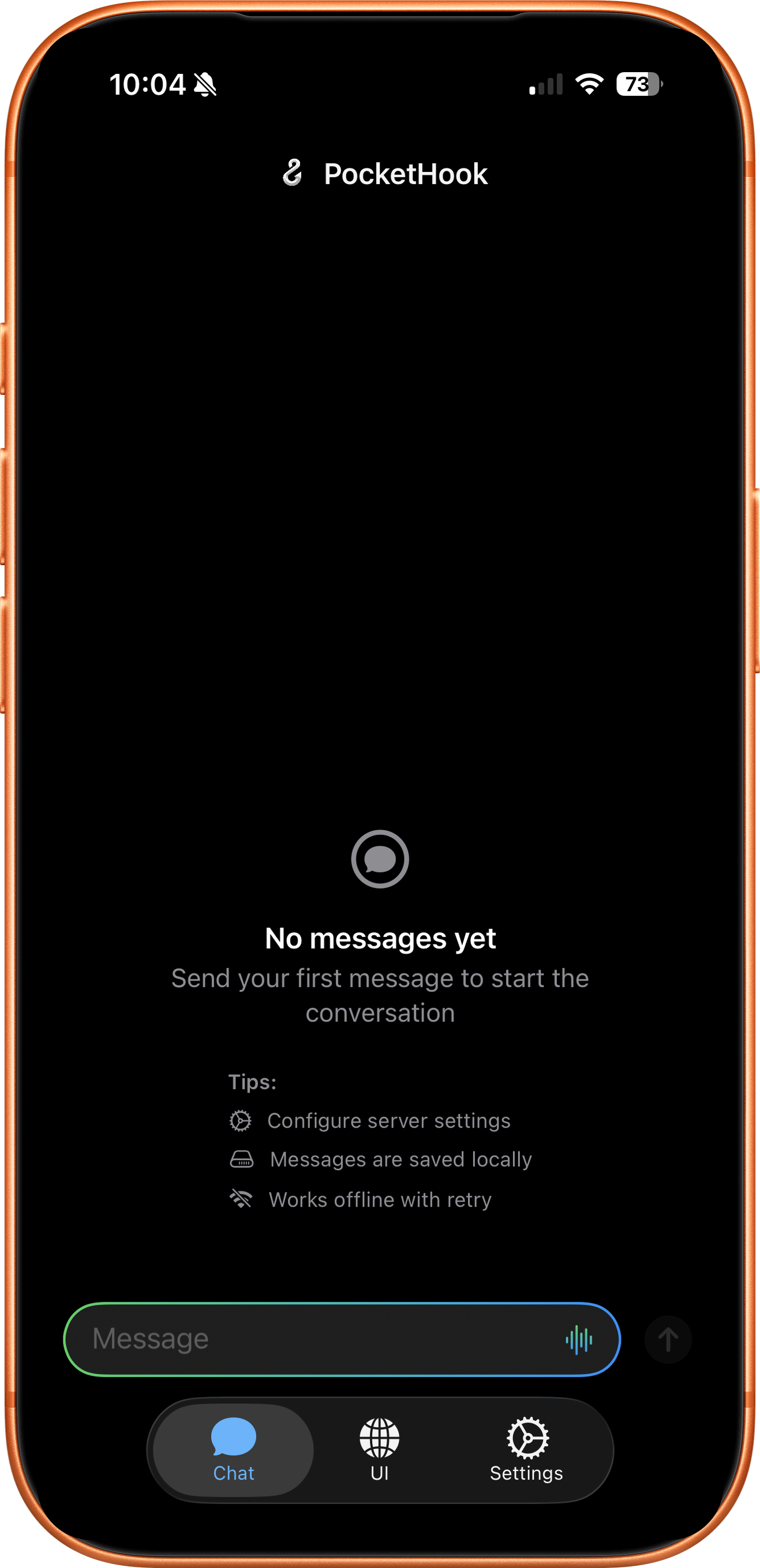
A native iOS chat with Markdown, HTML, images, interactive buttons, and voice dictation. Rich content rendered beautifully — like talking to ChatGPT, but with your own server.
Shortcuts & Siri
Your server triggers iOS Shortcuts automatically. Six Siri intents let you send messages, extract data, and automate from anywhere on your device.
Privacy First
HTTPS-only connections. Credentials in iOS Keychain. Direct link to YOUR server — no middleman, no tracking, no data collection. Your conversations stay yours.
Multi-Action Responses
Your server can return multiple actions in a single response. PocketHook runs them in sequence, passing results between Shortcuts so you can build complex, dependency-aware workflows.
OpenClaw Compatible
Works with any standard webhook — and with OpenClaw's OpenAI-compatible format. Connect to self-hosted AI agents or any Chat Completions API with a single toggle.
And More#
Personal UI
Embed your own web interface inside PocketHook. Dashboards, admin panels, or any page you need — always one tap away.
Links Collection
Every link from server responses is saved automatically with rich previews. Search, browse, and manage them independently from your chat.
Voice Dictation
Speak instead of type. Built-in speech-to-text lets you dictate messages to your server hands-free.
Data Export
Export your entire conversation history as JSON. Your data, your format, always portable.
Background Polling
PocketHook checks your server periodically and notifies you when there's something new. Stay informed without keeping the app open.
iPhone & iPad
Adaptive layout that looks great on both iPhone and iPad. Same features, optimized for every screen size.
Join the Waitlist#
How PocketHook Works#
Connect your iOS device to your server in 3 simple steps
Install PocketHook
Download the app from the App Store and install it on your iPhone or iPad.
Connect Your Server
Point PocketHook to your n8n instance, self-hosted API, or OpenClaw agent. Your data stays on your server.
Start Automating
Chat with your server, create Shortcuts automations, or combine both for powerful workflows.